
User manual for the Jabra Motion UC and Jabra Motion UC+ Bluetooth headsets, covering setup, charging, pairing, features, software, and specifications.
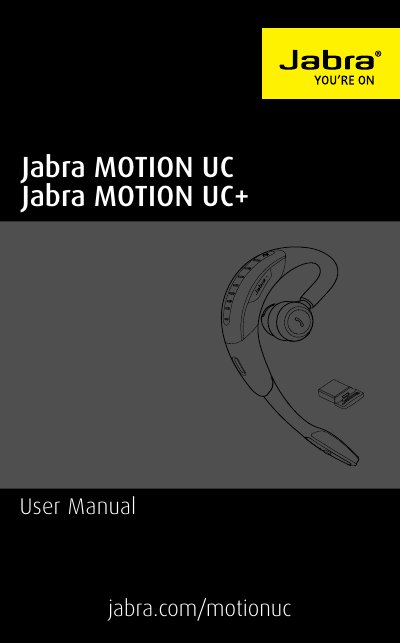
The Jabra Motion UC and Jabra Motion UC+ are Bluetooth headsets with motion sensor technology, NFC, volume touch controls, voice controls, HD Voice, Noise Blackout 3.0, wind noise protection, Jabra SafeTone, a busylight indicator, and adjustable height.
This manual covers headset overview, wearing, charging, connecting, use, motion sensor controls, software, support, and technical specifications.
| Weight | 17.5g |
|---|---|
| Dimensions | L 53.5mm x W 16mm x H 24mm |
| Microphones | 2 omni-directional microphones with Jabra Noise Blackout technology |
| Speaker | Micro dynamic, 14.8mm |
| Operating range | Up to 100m (300 feet), Class 1 |
| Bluetooth version | 4.0 |
| Paired devices | Up to 8 stored devices, 2 connected devices at same time (Multiuse TM) |
| Supported Bluetooth profiles | A2DP (v1.6), Hands free profile (v1.6), Headset profile (v1.2) |
| Talk time | Up to 7 hours; up to 5.5 hours with Busylight on |
| Standby time | Up to 15 days |
| Operating temperature | -10°C to 60°C (14°F to 140°F) |
| Storage temperature | -20°C to 35°C (-4°F to 95°F) |
| AC power supply | 100-240V, 50-60Hz |
| Pairing passkey or PIN | 0000 |
| Jabra Link 360 PC connection | USB 2.0 |
| Jabra Link 360 Bluetooth range | Up to 100m (300 feet), Class 1 |
| Jabra Link 360 Bluetooth profiles | A2DP (v1.2), Hands free profile (v1.6) |
| Jabra Link 360 simultaneous Bluetooth connections | 1 |
| Jabra Link 360 Bluetooth audio bandwidth | Wideband (HD voice), A2DP |
| Jabra Link 360 visual indicators | Multicolor LED |
Ensure the headset and the connected device are within range (up to 100 meters or 300 feet).
Up to 100m/300ft with the Jabra Link 360 and up to 10m/33ft on most Bluetooth devices.
You might need to increase the speaker volume, or ensure the headset is connected to a device.
Check your mobile device's Bluetooth menu, delete/forget the headset, then re-connect following the Bluetooth connection instructions.