
Jabra GN9350e Headset Quick Start Guide

This quick start guide covers setup, usage, and basic functions for the Jabra GN9350e headset, including connecting to telephones or PCs and adjusting volume.
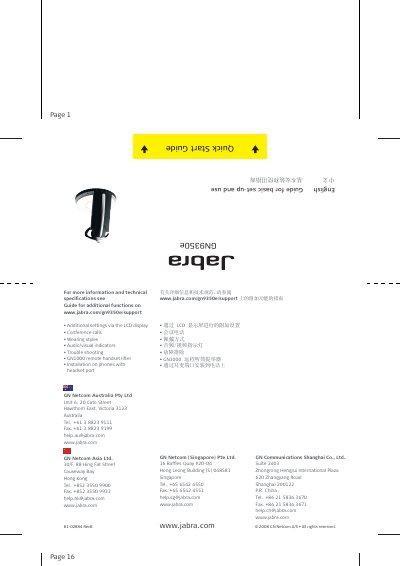

Jabra GN9350e Headset Quick Start Guide - cover page
Brand
Jabra
Category
Other Electronics
Document type
Quick Start Guide
Language
English
Pages
8
File format
PDF
File size
2.1 MB
Published
30 October, 2026
Updated
30 October, 2026
Model
GN9350e
MD5 checksum
14A6AF2774755FC09F6130EE617B08FB

About this manual

This document serves as a quick start guide for the Jabra GN9350e headset and its base station. It provides instructions for initial setup, including connecting the device to a telephone or a PC via USB, and charging the headset. The guide also explains how to optimize microphone and speaker volume settings to ensure clear communication.

What's inside

  • Overview headset
  • Overview base
  • Answering calls
  • Making calls via telephone
  • Making calls via PC/VoIP application
  • Charging
  • Clear dial tone adjustment
  • Microphone volume setting
  • Adjusting speaker volume

Specifications

Full charge time3 hours
Minimum charge before use30 minutes
Battery indicator4 diodes

Frequently asked questions

How long does it take to fully charge the headset?

It takes 3 hours to fully charge the headset.

How long should I charge the headset before using it?

You should charge the headset for at least 30 minutes before use.

How do I adjust the clear dial tone?

Remove the base cover, locate the switch, and slide it through settings A-G until the dial tone is clear.

Download PDF (2.1 MB)

More Jabra Manuals


View all Jabra manuals →