
Jabra Evolve 75e user manual covering wearing and fitting, charging, connecting to a computer or smartphone, calls and music, ANC, reset and firmware update.
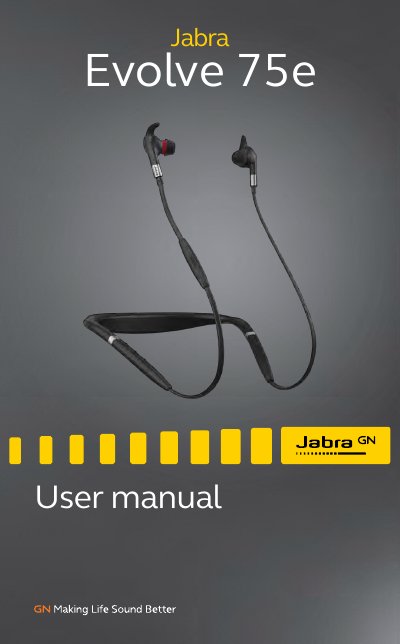
The Jabra Evolve 75e is a headset designed to be worn around the neck. It is supplied with three EarGel and EarWing sizes (small, medium and large) that can be mixed and matched to find a fit that seals out background noise, and its magnetic earbuds connect together for cable and power management. When the earbuds are connected, music is paused or the call is ended.
The manual describes charging and what the LEDs mean, turning the headset on and off, connecting to a computer with the included Bluetooth adapter or a USB cable, and pairing with a smartphone. It also covers calls and music, Active Noise Cancellation, Listen-in, headset voice guidance, Siri or Google Now, multiple call handling, the Busylight and vibrate alert, how to reset the headset, firmware updates with Jabra Direct or Suite for Mac, and how to care for the headset.
| Battery life | Up to 12 hours on a 2 hour charge |
|---|---|
| Wireless range | Up to 30 meters / 100 feet |
| Bluetooth connectivity | Dual-connectivity to two Bluetooth devices |
| EarGel/EarWing sizes | Small, medium and large |
| Charging port | USB charging port |
| Model number | HSC070W/END040W |
| Storage temperature | Above 50°C/122°F or below -10°C/14°F |
Make sure the headset is powered on and you are not on a call, then hold the Volume up button and the Multi-function button at the same time for 5 seconds. After resetting you need to re-pair the headset.
The battery provides up to 12 hours of use on a 2 hour charge.
Connect the headset to a computer using the USB cable or Jabra Link 370, install Jabra Direct (or Suite for Mac), and check for the latest firmware updates.
Your music will be paused or your call will be ended.