
This manual provides setup instructions, menu navigation, and connection steps for the Jabra Engage 75 headset and EHS adapter.
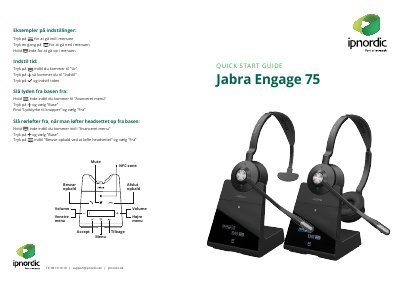
This document serves as a quick start guide and user manual for the Jabra Engage 75 headset. It details how to navigate the menu system using touch and hold gestures, adjust volume, and manage call functions such as answering, hanging up, and muting via NFC zones. The guide also explains how to configure the headset for use with an EHS (Earset Handset System) box and telephone base.
Press the button once to go down in the menu.
Hold the button in until you reach the Advanced menu, select Base, and choose Volume to buttons Off.
Hold the button in until you reach the Advanced menu, select Base, and choose Answer call by lifting headset Off.