
User manual for Jabra Elite 65t earbuds covering fit, charging, Bluetooth pairing, calls and music, HearThrough, voice assistant, firmware updates, and support.
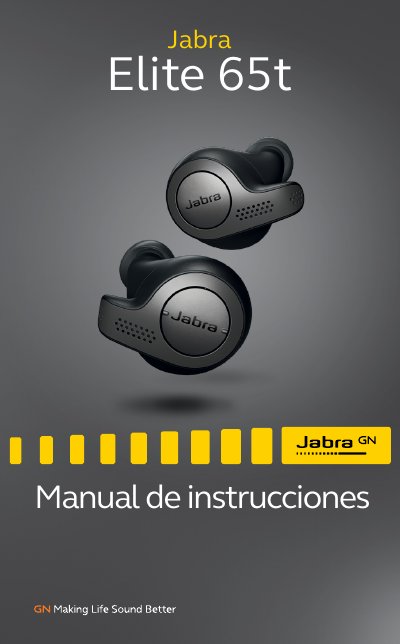
Jabra Elite 65t is an in-ear earbud set supplied with a charging case, EarGels, and a micro USB cable. The manual explains how to fit the earbuds and change EarGels, charge the earbuds and charging case, read the LED indicators, and pair with a smartphone.
It also covers everyday use such as powering on and off, mono earbud use, calls and music, HearThrough, Sidetone, automatic music pause and power off, multi-call handling, Multiuse, voice guidance and the voice assistant, firmware updates, resetting, the Jabra Sound+ app, and support. This manual is written in Spanish.
| Earbud battery life | Up to 5 hours |
|---|---|
| Total battery life | Up to 15 hours |
| Charging case capacity | 2 recharges |
| Microphones | 4 microphones |
| Included accessories | EarGels and micro USB cable |
| Warranty | 2 years for dust and water, requires Jabra Sound+ app registration |
| Model numbers | OTE070/OTE071/CPB070 |
Up to 5 hours in the earbuds, and the charging case provides 2 additional recharges.
The included accessories are EarGels and a micro USB cable.
The manual recommends keeping the earbuds between 15 °C and 25 °C (59 °F and 77 °F).
Place the replacement earbud in the charging case with the current earbud and close the lid, then wait for the case LED to stop flashing purple.