
Product leaflet for the Icom MR-1010R II marine radar, listing display, scanner, power, environmental, interface, and IP specifications plus options.
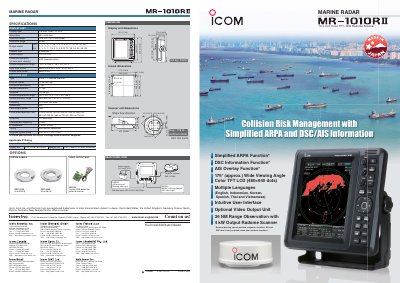
The Icom MR-1010R II is a marine radar with a 10.4-inch color TFT LCD and a 4 kW radome scanner. This document lists its display, scanner, power, environmental, data interface, and IP specifications, along with options, system cables, and video output unit details.
It also describes collision-risk and navigation support functions, including simplified ARPA, DSC information, AIS overlay, TLL, and true trail, plus other features such as alarm zones and waypoint indication.
| Display type | 10.4-inch Color TFT LCD |
|---|---|
| Resolution | 480 × 640 dots |
| Maximum range | 36 NM |
| Power supply | 10.2–42 V DC |
| Power consumption | 55 W (approximately) |
| Display usable temperature range | –15°C to +55°C; +5°F to +131°F |
| Scanner type | 60 cm; 2 ft radome scanner |
| Peak output power | 4 kW |
| Frequency | 9410 MHz ±30 MHz |
| Display unit IP rating | IPX4 |
| Scanner unit IP rating | IPX6 |
| Supplied system cable | 15 m; 49.2 ft; OPC-2341 |
The maximum range is 36 NM.
It uses a 10.4-inch color TFT LCD.
English, Indonesian, Korean, Spanish, Thai, and Vietnamese.
4 kW.