
User guide for the Hubsan Zino quadcopter drone covering safety, battery and propeller setup, the X-Hubsan app, HT016B remote control, calibration and flight.
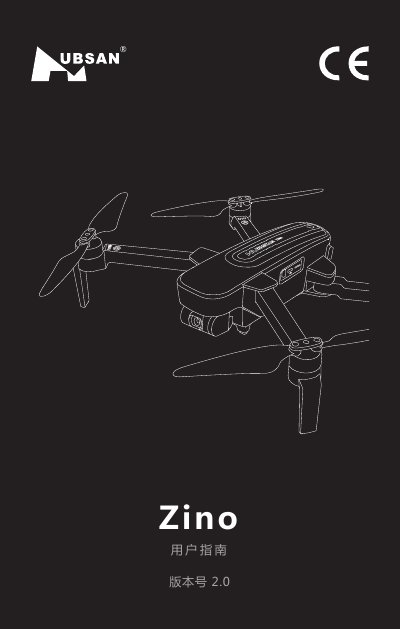
This Chinese-language user guide covers the Hubsan Zino quadcopter drone. It begins with safety information, flight environment requirements, battery precautions and notes on the provided user documents, then describes the aircraft components, battery charging and installation, propeller fitting, and navigation-light meanings.
The guide also explains the X-Hubsan app and its interface, the HT016B remote controller and cable connection, pre-flight checks, calibration, app and remote-control flight operations, low-battery and failsafe protection, troubleshooting and accessories. This manual is written in Chinese.
| Camera | 4K HD camera |
|---|---|
| Battery type | Lithium polymer (Li-Po) |
| Navigation lights | 4 groups of single-color lights; front blue, rear red |
| Flight temperature | 0–40 °C in good weather |
| Remote controller model | HT016B |
The Zino uses the X-Hubsan app, which can be downloaded free from the App Store or Google Play.
During charging the balance charger's red light stays on; when full, the green light stays on.
Keep the battery at 50% charge to help extend its service life.
Check that the letter beside the motor matches the letter on the propeller, then install and tighten the screw clockwise.