
The Hubsan ZINO PRO user guide provides safety instructions, component details, battery handling, controller functions and flight operation steps.
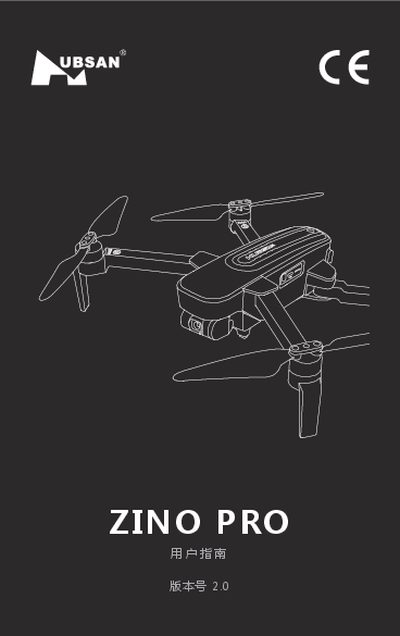
This guide covers all essential information for safely operating the Hubsan ZINO PRO drone. It begins with safety warnings, age restrictions, and regulatory compliance, then describes each aircraft component, battery specifications, and proper charging procedures.
The manual also details remote‑controller layout, app installation, calibration steps, flight modes, and troubleshooting tips, helping users get the most out of their drone while avoiding common hazards. This manual is written in Chinese.
| Battery capacity | 3000 mAh, 11.4 V |
|---|---|
| Charging time | ≈ 4 hours |
| Operating temperature range | 0 °C – 40 °C |
| Minimum user age | 14 years |
| Battery storage recommendation | Keep at 50 % charge for long‑term storage |
The drone should be operated in environments between 0 °C and 40 °C.
A full charge takes about 4 hours using the supplied charger.
No, the product is not intended for users younger than 14 years.
Stop using the battery immediately and return it to an authorized dealer or service center.