
This guide explains how to connect the Hubsan Zino drone to an Android smartphone via USB debugging mode and the X-Hubsan APP.
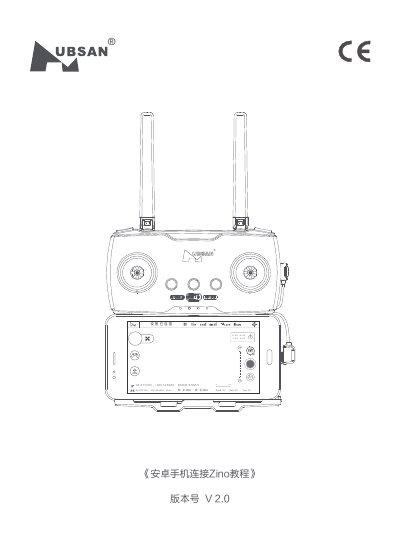
This document serves as a tutorial for connecting the Hubsan Zino drone to an Android smartphone. It details the necessary steps to enable USB debugging mode on the phone, specifically using a Huawei Honor device as an example. The guide also covers the physical connection process using a USB cable between the remote controller and the phone. This manual is written in Chinese.
You must enable USB debugging mode on your Android phone before attempting the connection.
The default choice for connecting via USB cable should be 'Charge only' (仅充电选项).