
User manual for the HP Photosmart M407 digital camera, covering setup, shooting, playback, HP Instant Share, and troubleshooting.
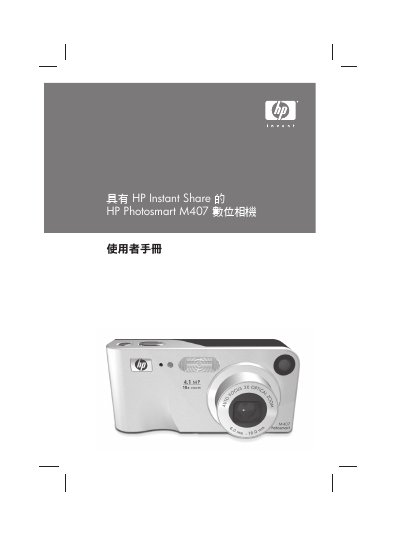
This manual guides users through setting up the HP Photosmart M407 digital camera, including battery and memory card installation, language and date/time settings, and software installation. It covers shooting still images and videos, playback, and using HP Instant Share for easy photo sharing. The manual also includes troubleshooting and support information, with detailed explanations of camera functions and settings. This manual is written in Chinese.
| Memory Capacity | 128 MB |
|---|---|
| Flash Range | 124 |
| ISO Speed Setting | 47 |
| White Balance Setting | 45 |
| Color Setting | 48 |
Set the date and time by navigating to the settings menu and selecting the date and time option.
Use the HP Instant Share feature to select photos and send them to email addresses or online albums when the camera connects to a computer.
Clean the camera lens using a soft, lint-free cloth or lens cleaning solution as described in the manual.
Reset the camera settings by navigating to the reset option in the settings menu.