
The HP Color LaserJet Enterprise M577 user guide provides setup, operation, and troubleshooting instructions for this multifunction printer.
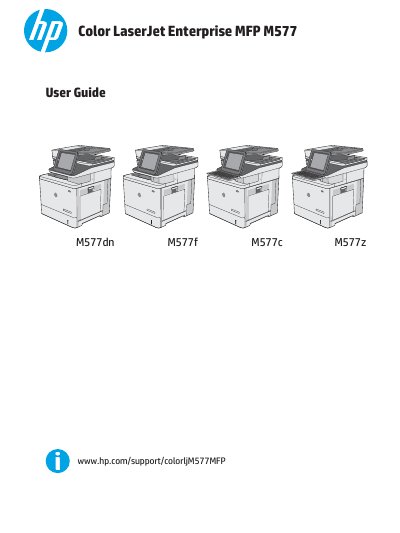
This user guide covers everything needed to install and use the HP Color LaserJet Enterprise M577, including hardware setup, software installation, and configuration of printing, copying, scanning, and faxing functions. Detailed sections explain paper‑tray loading, consumable replacement, and network connectivity options such as Ethernet, Wi‑Fi Direct, and USB.
The manual also includes troubleshooting procedures for common issues like paper jams, low‑toner warnings, and network problems, as well as instructions for managing the printer through the Embedded Web Server and HP Utility software.
| Model name | M577 |
|---|---|
| Product numbers | M577dn, M577f, M577c, M577z |
| Paper capacity – Tray 1 | 100 sheets |
| Paper capacity – Tray 2 | 550 sheets |
| Optional 550‑sheet feeder | 1 x 550‑sheet paper feeder |
| Connectivity | 10/100/1000 Ethernet LAN, IPv4/IPv6, Hi‑Speed USB 2.0 |
Use the printer control panel to enable the Wi‑Fi Direct function, then select the printer from the mobile device’s Wi‑Fi list.