
This guide helps users unpack, connect power, install ink cartridges, and install software for the HP Photosmart D5100 series printer.
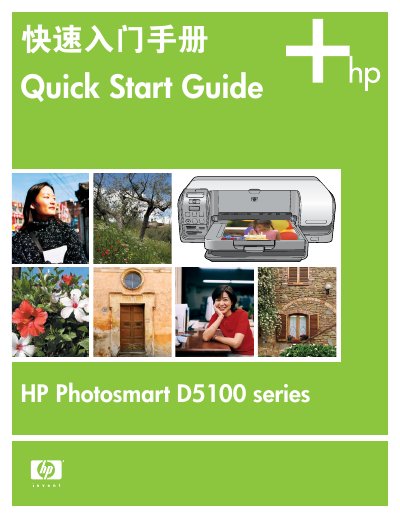
This document is the Quick Start Guide for the HP Photosmart D5100 series printer. It provides step-by-step instructions for initial setup, including unpacking the device, connecting the power cord, and loading plain paper for print head calibration. The guide also details the installation of genuine HP print cartridges and the automatic alignment process that follows. This manual is written in Chinese.
You should wait to connect the USB cable until you insert the CD into the computer.
The software supports Windows 98, Me, 2000 Professional, XP Home, XP Professional, and x64 Edition.
You need Mac OS X 10.3 or later versions.