
German user manual for the Horizon HD Recorder covering setup, connections, remote control, menus, recordings, and troubleshooting.
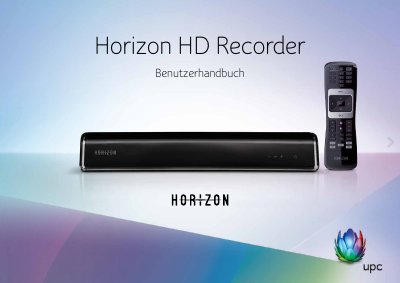
This German-language user manual explains setup and use of the Horizon HD Recorder. It covers unpacking, connecting the box to a TV and UPC cable service, remote control operation, home network setup, and the main menu.
It also describes TV channels and guide, recordings and on-demand content, settings, troubleshooting, and UPC telephone and internet services. This manual is written in German.
| TV input | Coaxial connection to a UPC cable wall outlet |
|---|---|
| HD video output | HDMI |
| Standard-definition video output | SCART (not HD-capable) |
| Digital audio output | SPDIF and optical (Dolby Digital 5.1) |
| Analog audio output | L/R audio jacks |
| Network connection | Ethernet (RJ-45) |
| Telephone connection | Telephone jacks for UPC telephony services |
| Unused ports | USB, e-SATA, and card slot are not used |
Contact UPC customer service at 0800 66 88 66.
The Horizon box is switched on.
The box is in high standby mode.
An error occurred while connecting to UPC services; see troubleshooting.