
Hikvision DS-K1T804B Fingerprint Access Control Quick Start Guide

A quick start guide for installing, activating, and configuring the Hikvision DS-K1T804B fingerprint access control unit, covering user management and…
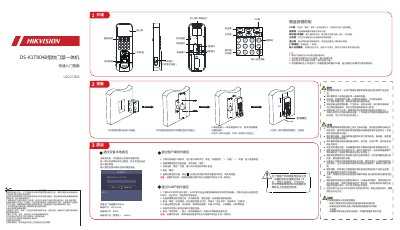

Hikvision DS-K1T804B Fingerprint Access Control Quick Start Guide - cover page
Brand
HIK VISION
Document type
Quick Start Guide
Language
Chinese
Pages
2
File format
PDF
File size
7.1 MB
Published
23 October, 2026
Updated
23 October, 2026
MD5 checksum
E6B706F4EE0A7CFEE7424B07E72F77CE

About this manual

This document serves as a quick start guide for the Hikvision DS-K1T804B fingerprint access control unit. It provides step-by-step instructions for physical installation, including mounting the device and connecting cables. The guide also details how to activate the device using SADP software and configure default network parameters. This manual is written in Chinese.

What's inside

  • Installation
  • Activation
  • User Management
  • Access Control Settings
  • Attendance Configuration
  • Report Export
  • Warranty Information
  • Safety Precautions
Download PDF (7.1 MB)

More HIK VISION Manuals


View all HIK VISION manuals →