
The Heatmiser neoStat Series user manual provides installation steps, mode selection, mesh network pairing, and operation instructions for the programmable…
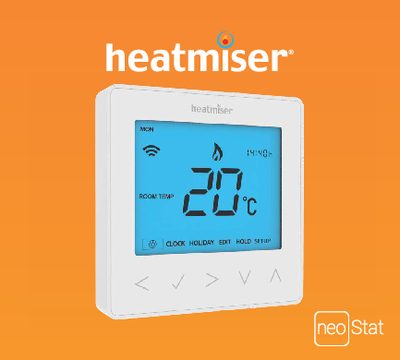
The neoStat Series is a programmable room thermostat that combines a temperature sensor with scheduling capabilities. It lets you set heating periods, choose comfort levels, and operate in either thermostat mode or time‑clock mode, while supporting a mesh network for extended range.
The manual covers installation (requiring a 35 mm back box), switching between modes, pairing the thermostat and neoHub, and using optional features such as holiday programming and temperature hold. It also explains mesh network operation and provides troubleshooting information.
| Back box minimum depth | 35 mm |
|---|---|
| Available colours | Sapphire Black, Glacier White |
Remove the screw from the bottom face, separate the front half, place the thermostat front safely, terminate the wiring as shown, screw the thermostat back plate into the back box, and clip the front onto the back plate with the retaining screw.
Press the left/right keys to scroll to SETUP, hold the Tick button for 10 seconds, use the left/right keys to select the desired mode, and confirm with the Tick key.
This manual explains 3 error codes. Open a code for its meaning, causes and what to do: