
User manual for the Happymodel Mobula6 HD 1S 65mm Brushless Whoop DSM2/DSMX drone, covering binding, receiver setup, firmware updates, and VTX configuration.
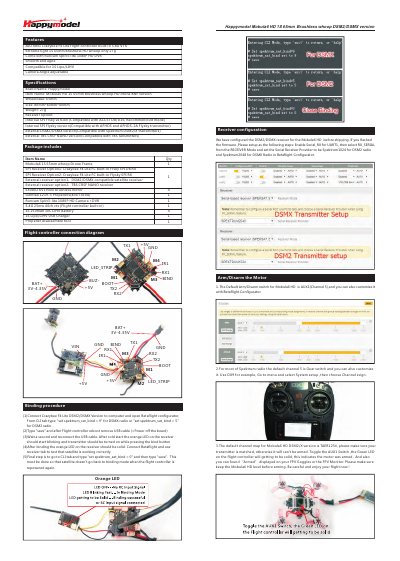
This manual provides step‑by‑step instructions for binding the Crazybee F4 Lite DSM2/DSMX receiver, configuring the flight controller in Betaflight, and setting up the transmitter channel map for the Mobula6 HD drone. It also includes diagrams of the flight‑controller connections and details on arm/disarm procedures.
Additional sections cover firmware updates for both the ESC and the flight controller, VTX band and channel configuration, and a full list of the drone's specifications and included accessories. The document is intended for end‑users who want to get the drone ready for flight and perform basic maintenance.
| Brand | Happymodel |
|---|---|
| Wheelbase | 65mm |
| Size | 80mm x 80mm x 40mm |
| Weight | 27g |
| Motor | EX0802 KV19000 brushless |
| Propellers | Gemfan 1219‑3 (4 cw + 4 ccw) |
| Camera | Runcam Split3‑lite 1080P HD with DVR |
| VTX | 5.8 GHz 25 mW 40‑channel |
| Battery | 1S 250 mAh 30C LiHV |
The default channel map is TAER1234; make sure your transmitter is set to the same order before arming.
Install the STM32 Virtual COM Port driver, open Betaflight Configurator, select the firmware target "CRAZYBEEF4DX(LEGACY)", then flash the chosen firmware version.