
The HannStar HN series 19‑inch LCD monitor user manual provides setup, safety, operation, specifications and troubleshooting guidance.
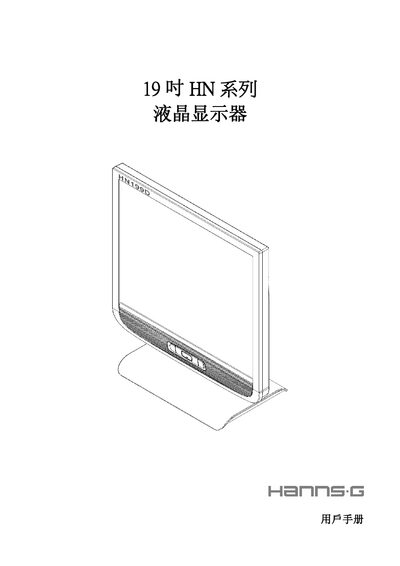
This manual explains how to safely install and use the 19‑inch HN series LCD monitor. It covers precautions, preventive measures, unpacking, mounting, power connection, adjustment of viewing angle, front‑panel controls, OSD settings and plug‑and‑play operation.
The document also lists the technical specifications, connector pin assignments and a FAQ section that addresses common issues such as power‑indicator problems, dim images, screen flicker and error messages. This manual is written in Chinese.
| Screen size | 48.2 cm (19.0 inches) |
|---|---|
| Maximum resolution | 1280 × 1024 @ 75Hz |
| Brightness | 270 cd/m² |
| Contrast ratio | 700:1 |
| Viewing angle (horizontal) | 150° |
| Response time | 8 ms |
| Power consumption (on) | ≤42 W |
| Input connectors | D‑type 15‑pin, DVI 24‑pin (optional) |
Check that the power is turned on and that the power cable is properly connected.
Adjust the brightness and contrast settings.
Turn the monitor off and then back on again to stop the initial flicker.