
Key facts
- Manuals
- 9
- Languages
- ZH
- Last added
- 2011-10-07
Featured HANNS•G manuals
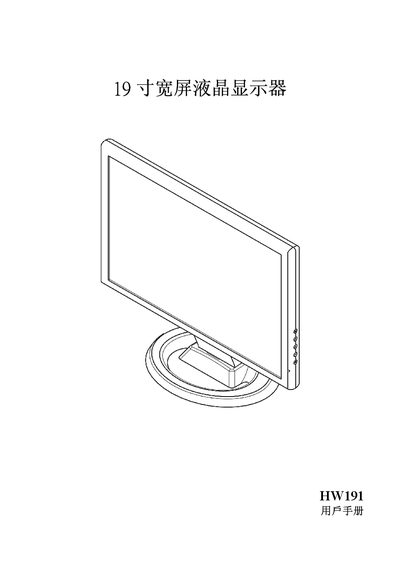
Hanns.G HW191 19‑inch Widescreen LCD User Manual
This manual provides safety precautions, installation steps, and wiring instructions for the Hanns.G HW191 19‑inch widescreen LCD monitor. It includes details on power requirements, grounding, and recommended placement to ensure reliable operation and compliance with FCC, Canadian, and EU regulations.
The guide also explains how to adjust the display settings, use plug‑and‑play DDC2B features, and troubleshoot common issues such as power‑indicator problems, image brightness, and signal loss. Technical specifications and environmental information are listed in the final section. This manual is written in Chinese.
Covers: Safety Precautions · Display Features · Installation Instructions · Power and Connections · Adjustment and Operation · Plug‑and‑Play (DDC2B)
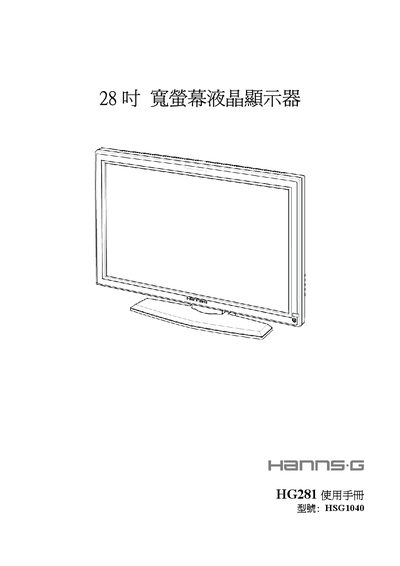
HANNS G HSG104 Widescreen LCD HG281 Manual
This manual provides safety instructions, FCC and Canadian compliance statements, and environmental information for the Hanns.G HSG1040 28‑inch widescreen LCD monitor. It includes detailed guidance on power connections, signal cabling, and proper installation to avoid interference.
The guide also covers operating procedures, adjustment of picture settings, plug‑and‑play features, and troubleshooting FAQs. Technical specifications such as screen size, resolution, power consumption, and input connectors are listed at the end of the document. This manual is written in Chinese.
Covers: 注意事項 · 液晶顯示器的特殊事項 · 使用前說明 · 功能 · 檢查包裝的內容項目 · 電源
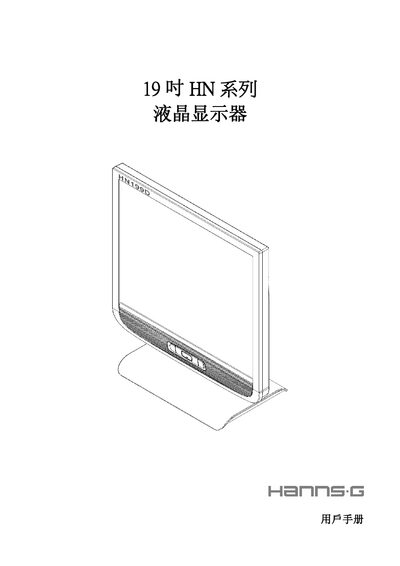
HannStar HN series 19-inch LCD Monitor User Manual
This manual explains how to safely install and use the 19‑inch HN series LCD monitor. It covers precautions, preventive measures, unpacking, mounting, power connection, adjustment of viewing angle, front‑panel controls, OSD settings and plug‑and‑play operation.
The document also lists the technical specifications, connector pin assignments and a FAQ section that addresses common issues such as power‑indicator problems, dim images, screen flicker and error messages. This manual is written in Chinese.
Covers: Precautions · Preventive Measures · Features · Package Contents · Installation Instructions · Power Connection
Hanns.G HW173 17‑inch Widescreen LCD User Manual
The HW173 is a 17‑inch widescreen TFT LCD monitor designed for clear, bright images on Windows PCs. This user manual explains how to safely set up, connect, and use the display.
Key sections cover safety precautions, unpacking, mounting the base, power and signal connections, viewing‑angle adjustment, on‑screen controls, plug‑and‑play features, and a FAQ with common troubleshooting steps. This manual is written in Chinese.
Covers: Safety Precautions · LCD Display Special Notes · Pre‑Use Instructions · Features · Package Contents · Installation
Latest HANNS•G manuals
HANNS G HG281 28 Inch widescreen LCD user manual
HANNS G HG192 19 Inch widescreen LCD Manual
Hanns.G HW191 19‑inch Widescreen LCD User Manual
User Manual 20 pages · 2 MB · ZHUser manual for the Hanns.G HW191 19‑inch widescreen LCD monitor, covering safety, installation, connections, operation and specifications.
HANNS G HK221H display Manual
HANNS G HSG104 Widescreen LCD HG281 Manual
User Manual 20 pages · 1.7 MB · ZHUser manual for the Hanns.G HSG1040 28‑inch widescreen LCD monitor with safety, setup, and specifications.
HANNS G HSG1021 Widescreen LCD HW216 Manual
HannStar HN series 19-inch LCD Monitor User Manual
User Manual 20 pages · 2.3 MB · ZHThe HannStar HN series 19‑inch LCD monitor user manual provides setup, safety, operation, specifications and troubleshooting guidance.
HANNS G HH251A LCD Manual
Hanns.G HW173 17‑inch Widescreen LCD User Manual
User Manual 19 pages · 1.6 MB · ZHThis manual provides safety, installation, connection, adjustment, operation, and troubleshooting instructions for the Hanns.G HW173 17‑inch widescreen LCD…
Which document do I need?
User Manual
Day-to-day operation, settings and troubleshooting. Start here if the product is already set up.
Questions answered in HANNS•G manuals
Why is the power‑indicator light not lit?
Check that the power switch is on and that the power cable is properly connected.
How can I fix a display that is too dark or too bright?
Adjust the brightness and contrast settings using the monitor’s on‑screen controls.
What should I do if the power indicator light is not on?
Check that the power is turned on and that the power cable is properly connected.
How can I fix a dim image on the screen?
Adjust the brightness and contrast settings.
Why is the power‑indicator LED not lit?
Check that the power is switched on and that the power cable is properly connected to the monitor.
What should I do if the screen is too dark or too bright?
Adjust the brightness and contrast settings using the monitor’s control buttons.