
This is a user manual for 19 inch wide screen LCD display HW191, which introduces the use of the display, installation method, precautions, etc.
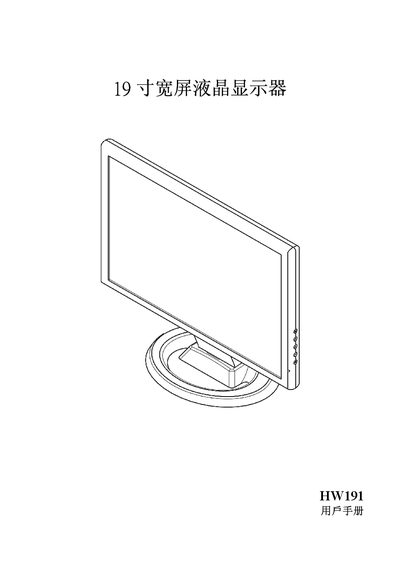
This manual provides safety precautions, installation steps, and wiring instructions for the Hanns.G HW191 19‑inch widescreen LCD monitor. It includes details on power requirements, grounding, and recommended placement to ensure reliable operation and compliance with FCC, Canadian, and EU regulations.
The guide also explains how to adjust the display settings, use plug‑and‑play DDC2B features, and troubleshoot common issues such as power‑indicator problems, image brightness, and signal loss. Technical specifications and environmental information are listed in the final section. This manual is written in Chinese.
| Pixel pitch | 0.2835 mm (H) × 0.2835 mm (V) |
|---|---|
| Horizontal frequency | 31 kHz–80 kHz |
| Vertical frequency | 56 Hz–75 Hz |
| Color depth | 16.2 million colors |
| Maximum resolution | 1440 × 900 @ 75 Hz |
| Power consumption (energy‑saving mode) | ≤2 W |
| Input connectors | D‑Sub, optional DVI‑D |
Check that the power switch is on and that the power cable is properly connected.
Adjust the brightness and contrast settings using the monitor’s on‑screen controls.
Verify that the computer is powered on, the graphics card is seated, and the signal cable is correctly connected to the monitor.