
User manual for the Handheld 10X rugged tablet PC, covering identification, power usage, software features, and regulatory information.
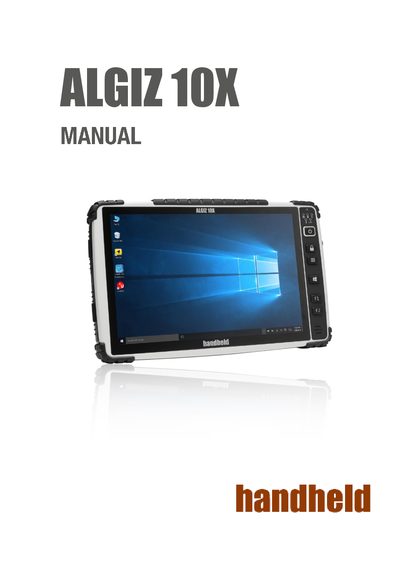
This manual provides instructions for identifying and operating the Handheld 10X, a rugged tablet PC designed for challenging environments like field work and construction sites. It details the device's physical layout, including buttons, indicators, and ports, as well as system specifications such as the Intel Celeron processor and 1920 x 1200 resolution display.
The guide covers essential operational procedures, including connecting AC and battery power, installing SIM and SD cards, and using the Hot-Tab software interface. It also explains how to adjust settings like LCD brightness and speaker volume, and provides information on performing a factory reset.
| Processor | Intel Celeron N2930 Quad Core 1.83 GHz |
|---|---|
| Memory | SODIMM, DDR 3L 1600 4GB |
| Storage | Mini-PCIe interface SSD 128GB |
| Display Resolution | 1920 x 1200 |
| Display Brightness | 600 cd/m2 (typ.) |
| Touch | 10 points projective capacitive touch |
Press F1 during booting when the Handheld logo screen appears to initiate the factory reset.
A flashing red light indicates that the device is running on a Hot-swap battery.
Hold down the Power Button for about 10 seconds until the LEDs are switched off.