
The Dolphin 7600 series mobile computer is a powerful device. It features scanning capabilities, a touch screen, a keyboard, and multiple interfaces. Prior to use, the main battery needs to be installed and charged. Once powered on, the device is ready for use. The device can be reset through a soft reset or a hard reset. The accompanying user documentation provides detailed instructions. Available peripherals and accessories include the HomeBase, QuadCharger, mobile installation kit, and charging/communication cable kit.
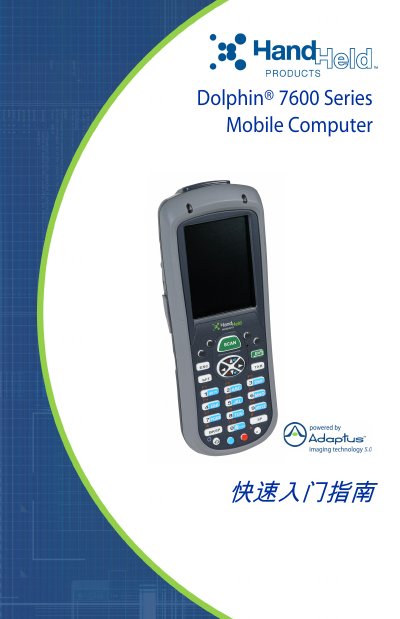
The guide walks users through the initial steps for the Dolphin 7600 Series mobile computer, including checking the package contents, installing the 3.7 V lithium‑ion battery, charging the device, and starting the operating system (Windows CE or Windows Mobile). It also explains how to perform soft and hard resets and where to find the full user’s guide.
Technical support contact information for North America, Latin America, Europe, the Middle East, Africa, and the Asia‑Pacific region is provided, along with warranty details that cover terminals, touch screens, batteries, and accessories when only Hand Held Products parts are used. This manual is written in Chinese.
| Battery Type | 3.7 V lithium‑ion |
|---|---|
| Display | VGA touch screen |
| Operating System | Windows CE / Windows Mobile |
Use only the lithium‑ion battery supplied by Hand Held Products and follow the installation steps shown in the guide.
Perform a soft reset by holding the red button and the ESC key for about 5 seconds, or a hard reset by holding the red button and the TAB key for about 5 seconds.
Contact the regional support phone numbers or email addresses listed in the manual; the website www.handheld.com also provides online assistance.