
This guide provides safety, mechanical, electrical, and software instructions for installing Han's Robot Elfin Series collaborative robots.
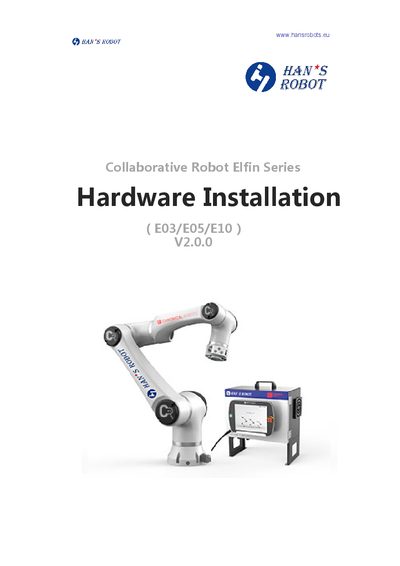
The Hardware Installation Manual explains how to safely set up the Elfin series collaborative robots (E03, E05, E10). It covers safety reminders, mechanical mounting, electrical interface connections, software control setup, and security configuration.
Key sections include a product introduction with part lists and dimensions, a safety chapter describing warning signs and stop mechanisms, detailed mechanical installation steps, electrical safety specifications, and an appendix with technical specifications for each model.
| Weight (E03) | 17kg |
|---|---|
| Payload (E03) | 3kg |
| Reach (E03) | 590mm |
| Joint speed | 135°/s |
| Repeatability | +/- 0.05mm |
| External power input | 200~240VAC 50~60Hz |
The manual defines Class 0, Class 1, and Class 2 stops, each with specific behavior for emergency and protective stopping.
The E10 model has a payload capacity of 10 kg.
The robot requires an external power input of 200 ~ 240 VAC at 50 ~ 60 Hz.