
The Greatwall copier user manual provides safety guidelines, operation steps, troubleshooting tips, and specifications for the machine.
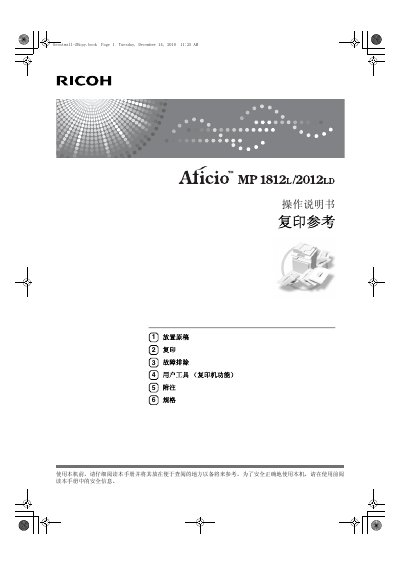
This manual explains how to safely operate the Greatwall copier, covering safety symbols, laser class information, power requirements, and proper placement of original documents. It includes detailed instructions for powering the device, loading paper, adjusting copy settings, and using the built‑in user tools.
Additional sections cover troubleshooting common issues such as unclear copies, memory errors, and paper jams, as well as maintenance tasks like cleaning the exposure glass and handling toner. A specifications table lists copy speeds, laser parameters, and electrical requirements for the different models offered. This manual is written in Chinese.
| Copy speed (Model 1) | 18 pages per minute (A4) |
|---|---|
| Copy speed (Model 2) | 20 pages per minute (A4) |
| Power supply | 220‑240 V, 50/60 Hz, 7 A |
| Laser class | Class 1 |
| Laser diode power and wavelength | 5 or 6.2 mW, 760‑800 nm |
Model 1 copies at 18 pages per minute (A4), while Model 2 copies at 20 pages per minute (A4).
It uses a Class 1 laser diode of 5 or 6.2 mW power at 760‑800 nm wavelength, and safety interlocks prevent exposure to harmful radiation.