
The user manual provides overview, installation steps, wiring, and troubleshooting for the Googol Technology GE‑X00‑SX‑LASER laser motion controller.
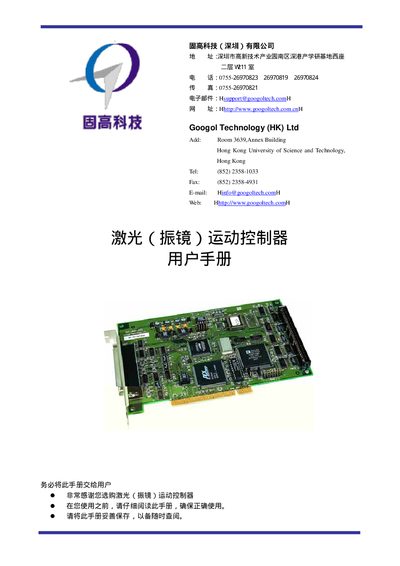
This manual introduces the Googol Technology GE‑X00‑SX‑LASER laser motion controller, its hardware architecture, and how it integrates into a laser control system. It is intended for engineers with basic hardware knowledge and programming experience.
The document is organized into three main chapters: an overview of the controller, a quick‑start guide covering unpacking, driver installation, and hardware connections, and a system‑debugging section describing software configuration and fault handling. Appendices provide detailed technical parameters, typical wiring diagrams, and troubleshooting procedures.
| Control cycle | 33 µs or shorter |
|---|---|
| Analog output range | -10 V to +10 V |
| Digital I/O inputs | 16 channels |
| Digital I/O outputs | 16 channels |
| Watchdog timer | Present (monitors DSP status) |
Insert the controller into the PC, install the Windows driver, connect the motor and the terminal board as described in Chapter 2 Quick Use.
The typical wiring connections are shown in Appendix B "典型接线".
Verify that the laser tube is not damaged, confirm the laser control signal is present, and ensure the reference ground is correctly connected.
The controller provides a -10 V to +10 V analog output that can be used to control laser energy.