
Goldair GCPDF200 10cm rechargeable clip on desk fan operating instructions with safety guide, fan speed, mode and timer settings, charging, cleaning and…
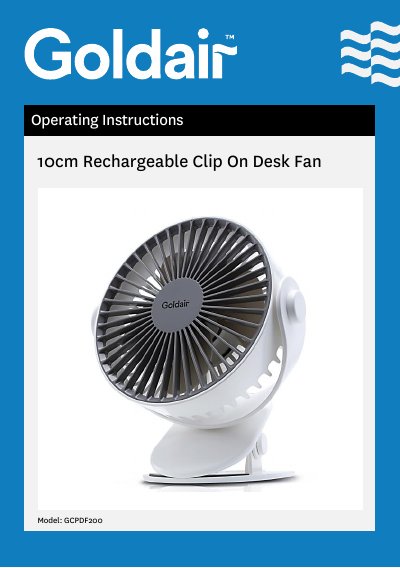
These operating instructions cover the Goldair GCPDF200 10cm Rechargeable Clip On Desk Fan, a portable household fan with a 3.7V supply and 5V 1.5A USB charging input. The booklet opens with a general care and safety guide, followed by the technical specification and the steps for operating the fan.
The operating section explains the SPEED button sequence for low, medium and high speed, the 'M' mode button for intermittent wind, the battery low voltage warning and the timer settings. It also gives approximate usage and charging times, the 360 degree rotation of the fan head, cleaning instructions and the Goldair one year warranty with New Zealand and Australia contact details.
| Model | GCPDF200 |
|---|---|
| Supply | 3.7V |
| USB Input for Charge | 5V 1.5A |
| Usage time, low speed | approx. 6.4 hours |
| Usage time, medium speed | approx. 3.3 hours |
| Usage time, high speed | approx. 2 hours |
| Charging time | approx. 3 hours to fully charge |
| Rotation | any position within 360 degrees |
About 6.4 hours at low speed, 3.3 hours at medium speed and 2 hours at high speed.
It takes approximately 3 hours to fully charge. The RED light is on while charging and off when fully charged.
Press the SPEED button repeatedly: the first press starts low speed, the second gives medium speed and the third gives high speed; a fourth press turns the fan off.
It changes the wind to intermittent mode, 10 seconds on and 5 seconds off, and the wind indicator light flickers. Press again to return to normal operation.