
This is a 10cm rechargeable handheld fan product manual, which details the product's features and characteristics and usage methods, including but not limited to product usage before and after precautions, product maintenance methods, etc.
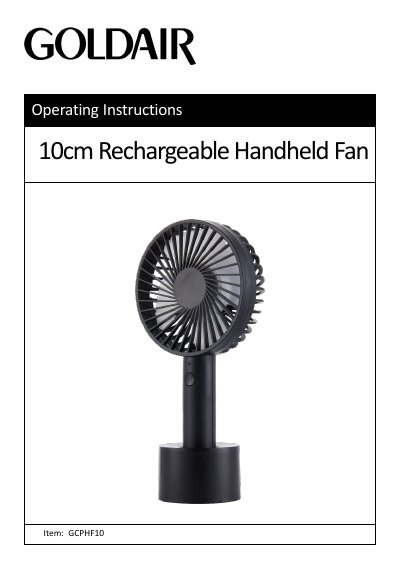
This manual provides operating instructions and safety guidelines for the Goldair GCPHF10 10cm rechargeable handheld fan. It covers safe usage, charging via USB, speed settings, and cleaning procedures. Safety precautions include keeping the fan away from water, not using it outdoors, and unplugging it before cleaning. The fan is designed for household use only and comes with a one-year warranty for domestic use.
The fan can be charged using a USB cable connected to a USB port, including a laptop. It has three speed settings controlled by pressing the on/off switch once, twice, or three times, and can be turned off by pressing it a fourth time. Regular cleaning of vents and grills is recommended to prevent overheating.
| Model | GCHPF10 |
|---|---|
| Supply Voltage | 3.7V |
| Wattage | 3~5W |
Plug the USB charging cable into the fan’s connector and the other end into a USB port. Ensure the plug fits tightly to avoid overheating.
Press the on/off switch once for low, twice for medium, three times for high, and a fourth time to turn it off.
The fan has a one-year warranty for domestic use and three months for non-domestic use.