
Describes the instructions and precautions for using a 15CM USB desk fan
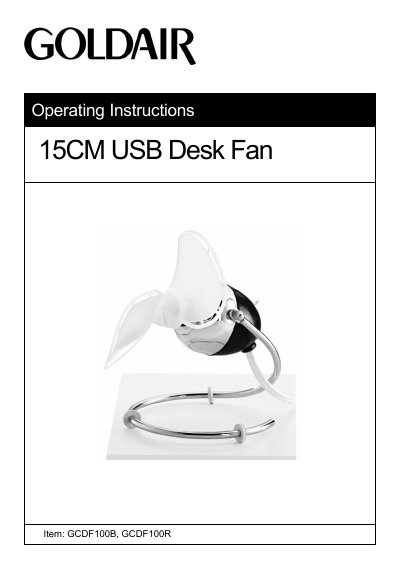
This guide provides safety precautions and operating instructions for the Goldair GCDF100B and GCDF100R USB desk fans. It emphasizes safe usage, including keeping the fan away from water, flammable materials, and children, and cleaning it with a damp cloth only. It also details assembly, operation, and warranty information.
The fan is designed for household use only and must not be used outdoors or near water. It includes safety features like automatic blade stop if an object interferes, but users are advised to avoid placing anything near the blades during operation.
| Model No | GCDF100B, GCDF100R |
|---|---|
| Power Supply | 5V DC |
| Power | 1.5W |
Use only the voltage specified on the rating plate of the appliance.
No, this appliance is not intended for outdoor use.
Switch off and unplug the fan, then use a soft, damp cloth to wipe it. Do not immerse it in water or use harsh chemicals.
One year from the date of purchase against defects in workmanship and materials.