
Operating manual for the Genelec 8341A Smart Active Monitor, covering setup with GLM software, acoustic calibration, input settings, and mounting options.
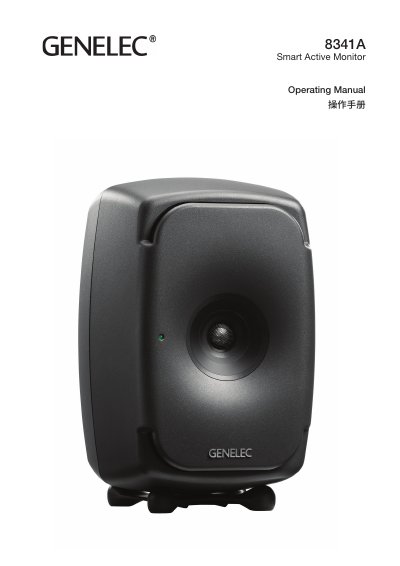
This document serves as the operating manual for the Genelec 8341A Smart Active Monitor. It provides detailed instructions on setting up the monitor using the Genelec Loudspeaker Manager (GLM) software or via standalone DIP switches for tone control and input selection. The guide explains how to integrate the monitor into a professional audio environment, including connecting GLM networks and configuring power management features like Intelligent Signal Sensing (ISS).
The maximum analog input level is +25 dBu (13.7 Vrms or 19.5 V peak).
The monitor automatically enters a deep sleep state consuming less than one watt of power when no input signal is present.
Yes, it can be used standalone by adjusting DIP switches on the back panel for equalization and input selection.