
User manual for the GAME GAME-XJ100 wireless controller, covering button functions, Bluetooth pairing for Android/iOS, charging instructions, and…
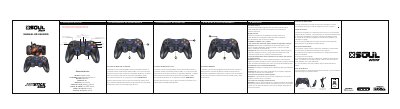
This document is the user manual for the GAME GAME-XJ100 wireless controller. It details the functions of the various buttons and joysticks, including the Action buttons (L1/L2, R1/R2), Mode, Select, Start, Y, Direction, X, B, and A buttons, as well as the Left and Right sticks. The controller is compatible with iOS, Android, PC, and TV. This manual is written in Spanish.
| Battery Capacity | 400mAh |
|---|---|
| Connection Distance | 8m |
| Operating Duration | 6 to 10 hours |
| Charging Voltage | DC5V |
| Operating Voltage | 3.7V |
| Standby Time | 30 days |
Press the Mode button for 10 seconds while the controller is in the startup state to turn off all lights.
Cancel the pairing between your device and the controller, turn off Bluetooth and the controller, then turn everything back on and re-pair the devices.