
This document is an instruction booklet for the TM e-Reader Compatible. It describes the features and characteristics of the product.
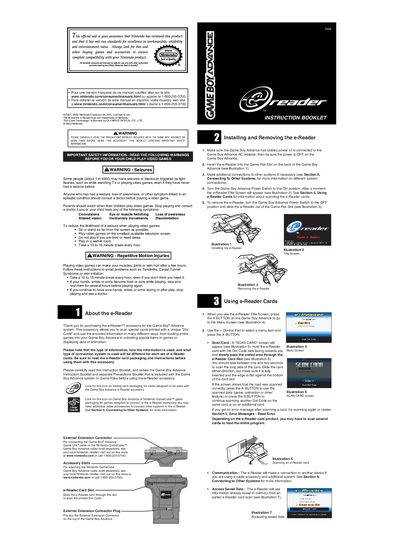
The e-Reader is an accessory for the Game Boy Advance that scans special cards printed with a unique Dot Code and uses the encoded information in different ways. This booklet explains how to install and remove the accessory, scan e-Reader cards, and connect to other systems.
It also includes card care precautions, troubleshooting steps, and explanations of error messages such as READ ERROR, TIME DELAY ERROR, REGION ERROR, e-READER MEMORY ERROR, and COMMUNICATION FAILURE.
Turn off the Game Boy Advance, insert the e-Reader into the Game Pak Slot, then turn the power on.
Hold the card with the Dot Code side facing you and slowly pass the coded area through the e-Reader Card Slot.
It works only with e-Reader cards made for the North, Central and South American regions.
It can occur if a card is scanned too fast, is not touching the bottom of the slot, or is bent, damaged, dirty, or modified.