
Complete user guide for the Fujifilm instax mini FI019SC instant camera, covering setup, shooting modes, smartphone app features, and maintenance.
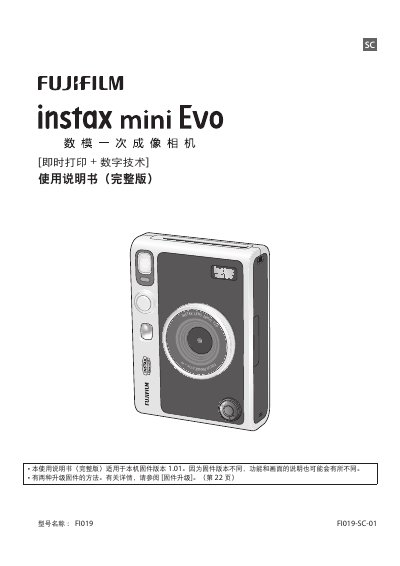
This manual provides instructions for the Fujifilm instax mini FI019SC instant camera, which combines instant printing with digital technology. It covers essential operations such as turning the camera on and off, installing the shoulder strap, charging the built-in battery, and performing initial settings. The guide explains how to use the LCD screen for viewing and shooting, as well as how to install and remove the film cartridge. This manual is written in Chinese.
| Firmware Version | 1.01 |
|---|---|
| Charging Time | 2 to 3 hours |
| Bluetooth Frequency | 2400 MHz - 2483.5 MHz |
It takes approximately 2 to 3 hours to fully charge the battery.
It takes approximately 2 to 3 hours to fully charge the internal battery.
The camera's film compartment holds up to 10 rolls of Instax Mini film.
Yes, you can use the remote shooting function to control the camera with a smartphone.