
This manual shows you how to use your FUJIFILM DIGITAL CAMERA FinePix S5 Pro correctly.
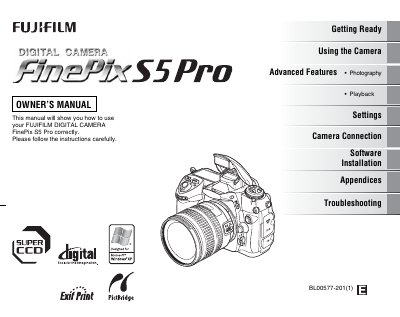
This Owner’s Manual explains how to use the Fujifilm FinePix S5 Pro correctly, covering getting ready, basic operation, advanced photography features, playback, software installation, and troubleshooting. It also includes safety notes, FCC compliance information, and disposal guidelines.
The guide details the camera’s specifications, lens mount, storage options, and maintenance procedures such as battery handling, cleaning, and firmware updates. Appendices provide additional reference material and a parts list.
| Effective pixels | 12.34 million |
|---|---|
| Sensor type | Super CCD SR Pro |
| Storage media | CF card and Microdrive™ |
| Lens mount | Nikon F mount (with AF coupling) |
| Shutter speed range | 30 sec to 1/8000 sec |
| Viewfinder coverage | ≈ 95 % vertical & horizontal |
| LCD monitor | 2.5‑inch, 230 000‑pixel TFT |
The camera has 12.34 million effective pixels.
It uses a Nikon F mount with AF coupling and contacts.
Remove the battery and disconnect and unplug the AC power adapter before cleaning.
Use the Camera Connection feature described in the manual to connect the camera to a TV.