
This is the user guide for FireStore DR-DV5000.
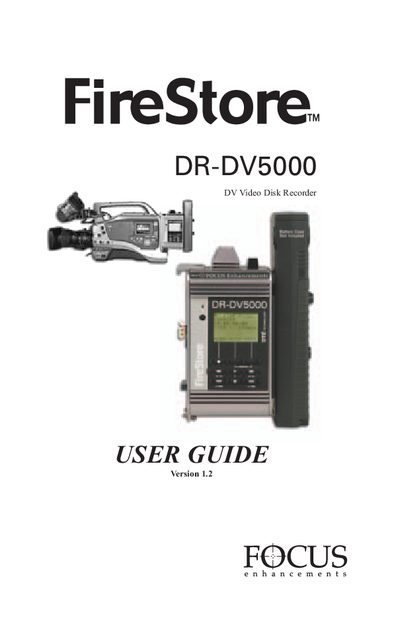
This guide explains how to install and safely operate the FireStore DR‑DV5000 digital video disk recorder. It includes important safety warnings, warranty information, and instructions for connecting power, antennas, and fire‑wire drives. Follow the recommended procedures to avoid electric shock, fire hazards, and radio‑frequency interference.
The manual details the front‑panel controls, menu structures, recording modes, and how to monitor status on a camcorder viewfinder or LCD. It also covers mounting, cable requirements, software version checks, and steps for formatting or repairing the internal hard‑disk drive.
| Operating System Version | 2.0 |
|---|
Connect the unit to a separate outlet circuit and do not use a polarized plug with an extension cord; make sure the plug blades are fully inserted.
Reorient or relocate the receiving antenna and increase the separation between the equipment and the receiver.
Two years from the date of purchase, covering repair or replacement of parts and labor.
Version 2.0.