
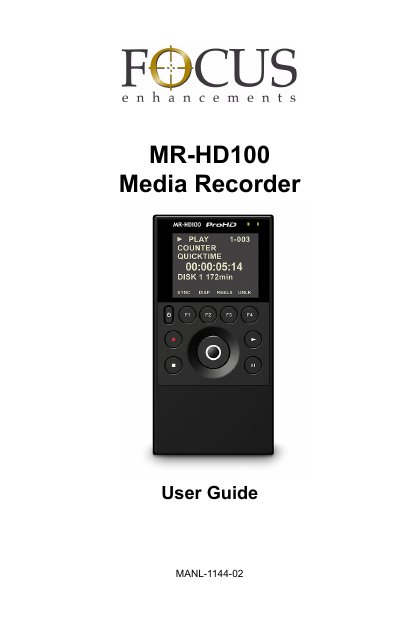
This manual describes the use of the MR-HD100 Media Recorder
This guide covers safety symbols, electrical precautions, and proper handling of the MR‑HD100 Media Recorder. It explains how to avoid moisture, protect against electric shock, and perform basic maintenance such as cleaning and servicing by qualified personnel.
The manual also details the device’s technical specifications, including dimensions, weight, display, connectors, and power requirements, as well as instructions for using the graphical interface, video and audio inputs, and metadata features for video production workflows.
| Dimensions | 2.75" x 5.50" x 1.25" (70mm x 140mm x 32mm) |
|---|---|
| Weight | 12 oz. (0.34 kg) with battery |
| Display size | 37 mm x 49 mm active color backlit display |
| Control buttons | 9 conductive rubber keypad buttons |
| Power input | Mini‑jack DC 11‑18 V |
| Video connector | 1 × 6‑pin FireWire (IEEE‑1394a) |
Unplug the unit from the wall outlet and clean it only with a polishing cloth or a soft dry cloth; do not use wax, benzine, insecticides, or other volatile liquids.
The recorder provides a 1 × 6‑pin FireWire (IEEE‑1394a) connector for video input and output.
The device is powered via a mini‑jack DC input that accepts 11 V to 18 V.