
Fingertec s-Kadex Stand-alone Card & Password Access Control System User Guide

User guide for the Fingertec s-Kadex access control system, covering admin password verification, changing, and card enrollment procedures.
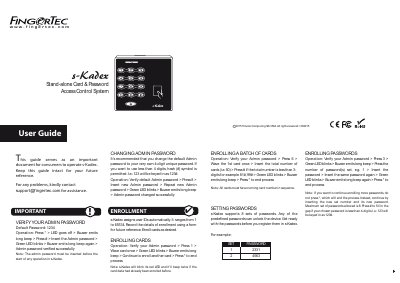

Fingertec s-Kadex Stand-alone Card & Password Access Control System User Guide - cover page
Brand
FingerTec
Category
Other Electronics
Document type
User Manual
Language
Chinese
Pages
1
File format
PDF
File size
333 KB
Published
12 November, 2026
Updated
12 November, 2026
MD5 checksum
1C18DBAC2E3F74BCB90EFD6AB11E3DDD

About this manual

This guide serves as an important document for consumers to operate the Fingertec s-Kadex Stand-alone Card & Password Access Control System. It provides instructions for verifying the default admin password (1234) and changing it to a unique 4-digit password. This manual is written in Chinese.

What's inside

  • Verify Your Admin Password
  • Changing Admin Password
  • Enrolling Cards
  • Enrolling a Batch of Cards
  • Setting Passwords
  • Enrolling Passwords

Frequently asked questions

What is the default admin password for s-Kadex?

The default Admin password is 1234.

How many sets of passwords does s-Kadex support?

The device supports 8 sets of passwords.

What happens if a card is already enrolled?

The device will blink its red LED and beep twice.

Download PDF (333 KB)

More FingerTec Manuals


View all FingerTec manuals →