
User guide for FingerTec’s Keylock 8800, covering installation, user management, system settings, and USB data handling.
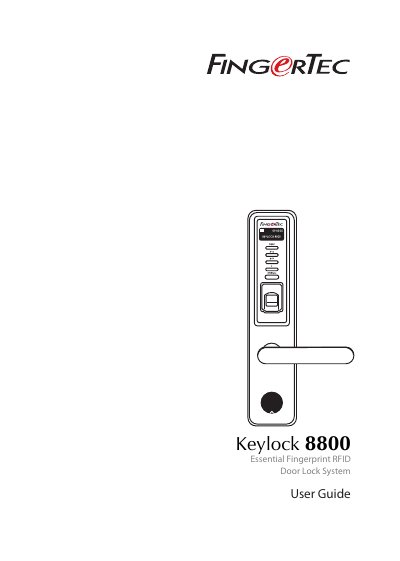
This guide explains how to install, activate, and manage the FingerTec Keylock 8800, a fingerprint and RFID-enabled door lock. It covers enrolling users, setting date/time, configuring language, and managing access levels. The device supports up to 500 fingerprints, 100 passwords, and 500 RFID cards. USB flash drives can be used to download/upload data, logs, and firmware.
The guide also details how to reactivate the device, clean the scanner, reset settings, and handle user deletion. Administrator privileges are required for advanced settings, including log and data management. The device includes a mortise lock for enhanced security and operates on four AA batteries.
| User Capacity | Up to 500 fingerprints, 100 passwords, 500 RFID cards |
|---|---|
| Power Source | Four AA batteries |
| Access Methods | Fingerprint, password, and RFID card |
| Language Support | Multiple languages |
Go to Menu > User Manage > Enroll User > Enroll FP and follow on-screen instructions.
No new users can be enrolled without re-enrolling an administrator.
Press Menu > Options > System Options > Adv Options > Reset Opts > OK.
Yes, USB can be used to update firmware.