
Fagor Automation 10i/20i DRO Installation Operation Manual

This manual covers the installation, operation, and technical specifications for Fagor Automation 10i and 20i Digital Read Out (DRO) systems.
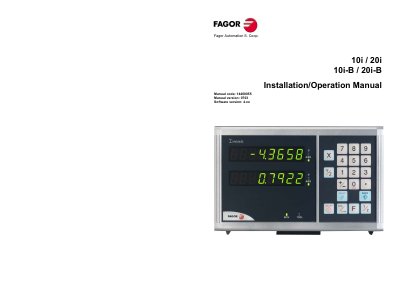

Fagor Automation 10i/20i DRO Installation Operation Manual - cover page
Brand
Fagor Automation
Document type
User Manual
Language
English
Pages
29
File format
PDF
File size
534 KB
Published
16 October, 2026
Updated
16 October, 2026
MD5 checksum
B6DE53AEB6AAFEF1CE6C004F0DC68D28

About this manual

The document serves as a comprehensive guide for the Fagor Automation 10i and 20i Digital Read Out (DRO) systems. It details front panel functions, including display modes such as absolute, incremental, diameter, and inch/mm conversion. The manual explains how to operate the unit in various modes, manage tool lengths, perform home searches for machine reference selection, and utilize special operations like scaling factors and part centering.

What's inside

  • DRO description
  • Turning the unit on and off
  • Display modes
  • Incremental absolute and with respect to Machine Reference Zero
  • Machine Reference selection and search
  • Operating with tools
  • DRO installation
  • Easy setup
  • Installation parameters
  • Error codes

Specifications

LED height14.1mm
Scaling factor range+/-9.999

Frequently asked questions

How do I access the Home Search mode?

Press the key with the 'r' symbol (or similar icon) to get into and out of home search mode.

What happens if the unit does not save data before power loss?

The DRO will display ERROR 2 when turned back on if it did not have enough time to save all data.

How do I toggle between decimal degrees and Degrees.Minutes.Seconds?

Press the INCH key to toggle the display format for the rotary axis.

Download PDF (534 KB)

More Fagor Automation Manuals


View all Fagor Automation manuals →