
Key facts
- Manuals
- 1
- Languages
- EN
- Last added
- 2026-10-01
Featured Fagor Automation manuals
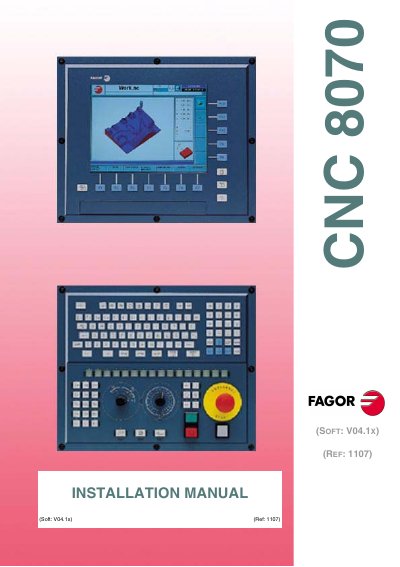
Fagor Automation CNC 8070 Installation Guide
This manual provides step‑by‑step instructions for installing the CNC 8070 system. It details software installation, required safety checks, hardware expansion limits, and warranty conditions. The safety section explains the required safety elements such as feedback alarms, software limits and error monitoring, and warns that disabling them voids warranty.
The guide also describes machine parameters, PLC architecture, tool‑magazine management, and the extensive list of CNC variables. Additional chapters cover PLC programming, CNC‑PLC communication, input/output logic, and configuration of axes, spindles, and high‑speed cutting modes. Technical specifications and optional software features are listed in the product overview.
Covers: Software Installation · Machine Parameters · Introduction to the PLC · PLC Programming · CNC‑PLC Communication · Logic CNC Inputs and Outputs
Latest Fagor Automation manuals
Fagor Automation CNC 8070 Installation Guide
Installation Guide 838 pages · 7.4 MB · ENInstallation guide for the Fagor Automation CNC 8070 covering software setup, machine parameters, PLC programming, safety and warranty.
Which document do I need?
Installation Guide
Mounting, wiring and first power-up. Read it before the hardware goes in.
Questions answered in Fagor Automation manuals
Who is responsible if the CNC hardware is modified without authorization?
Fagor Automation is not responsible for personal injury or damage, and the CNC will no longer be under warranty.
Which software version does this manual refer to?
The manual applies to software version V04.1 X (reference 1107).