
User guide for the Extron FOX USB Extender, a fiber optic extender for USB peripherals, covering safety, installation, operation and reference information.
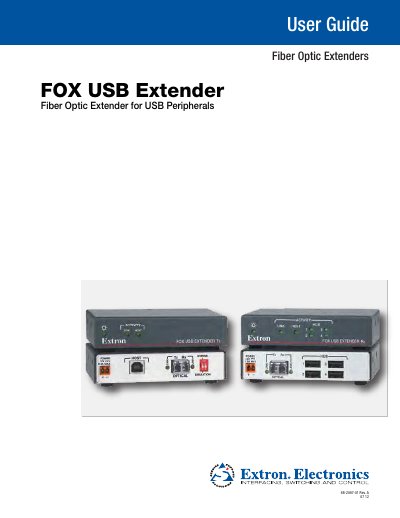
This document is the user guide for the Extron FOX USB Extender, described as a fiber optic extender for USB peripherals (document number 68-2097-01 Rev. A). It is intended to guide users through installing, configuring and operating the device.
The guide includes multilingual safety instructions (English, French, German, Spanish and Chinese) covering power sources, power cord protection, servicing, ventilation openings and lithium battery handling, along with sections on product introduction, installation and operation, and reference information.
No. All servicing should be referred to qualified service personnel, as there are no user-serviceable parts inside and opening the covers may expose you to dangerous voltage.
The equipment should be operated only from the power source indicated on the product, with a main power system that has a grounded (neutral) conductor.
No. An incorrectly replaced battery poses an explosion risk, so it must be replaced only with the same or an equivalent type recommended by the manufacturer.
No. The slots and openings prevent overheating of sensitive internal components and must never be blocked by other objects.