
The Eutech pHTestr series user manual provides operation, calibration, maintenance, and specifications for the waterproof pH/temperature testers.
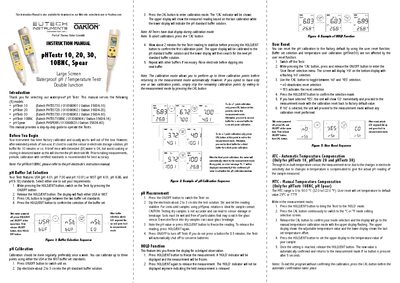
The pHTestr line from Eutech includes five waterproof pH/temperature testers (10, 20, 30, 10BNC, and Spear) with large LCD displays and dual‑junction electrodes. This manual explains how to power the device, perform measurements, and select buffer sets for accurate pH readings.
It also covers automatic and manual temperature compensation, calibration procedures (up to three points), electrode maintenance and replacement, battery replacement, self‑diagnostic messages, and detailed technical specifications. Accessories and warranty information are provided at the end of the document.
| pH Range | -1.0 to 15.0 pH |
|---|---|
| Calibration Points | Up to 3 points |
| Buffer Set Standard Selection | USA (4.01, 7.00, 10.01) or NIST (4.01, 6.86, 9.18) |
| Temperature Range | 0‑50 °C (32‑122 °F) |
| Temperature Resolution | 0.1 °C / °F |
| Battery Life | More than 500 hrs |
| Power Requirement | 4 × 1.5 V “A 76” micro alkaline batteries |
| Dimensions | 6.5" L × 1.5" dia. (165 × 38 mm) for 10/20/30 models |
| Weight | 3.25 oz (90 g) |
Turn the meter off, press and hold the CAL button while pressing the ON/OFF button, then use CAL to select “YES” and confirm with HOLD/ENT.
Up to three calibration points can be set using the USA or NIST buffer set standards.
Pressing HOLD/ENT freezes the display so the current reading is held on screen; pressing it again releases the hold.
The battery life is more than 500 hours.