
User manual for the Etón Odyssey multi-powered all-band radio with Bluetooth, covering radio bands, weather alerts, charging, lighting, and specifications.
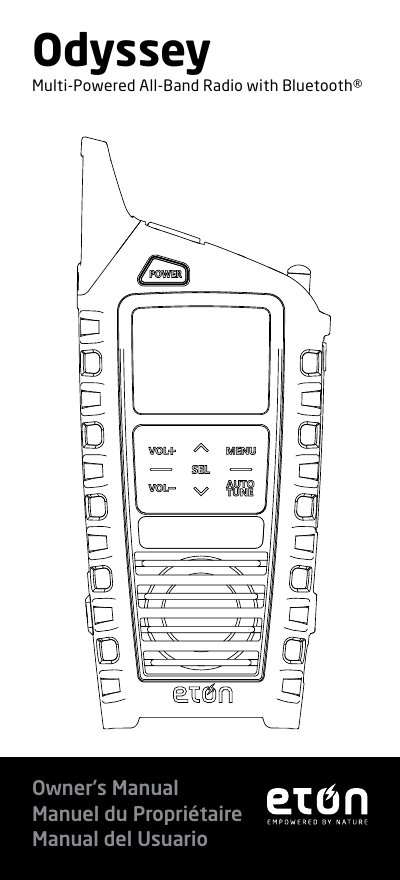
The Etón Odyssey is a multi-powered all-band radio with Bluetooth. The owner’s manual explains the controls, powering the device, selecting FM/AM/SW/WB/ALERT/Bluetooth modes, and setting weather band alerts.
It also describes the flashlight and SOS siren, USB-C, solar and crank charging, charging a tablet or cell phone, time setting, battery compartment, warnings, technical parameters, and warranty/service information.
| FM reception range | 76 ~108 MHz |
|---|---|
| AM reception range | 520~1710KHz |
| SW reception range | 3.2~22MHz |
| Weather band reception range | 162.40~162.55MHz |
| Bluetooth range | Up to 10 meters |
| Bluetooth version | Version 5.0 |
| Audio output power | 2W / 4W for Bluetooth |
| Built-in battery | 3.7V, 2000mAh lithium battery or 3pcs AAA battery (excluded) |
Press and toggle MENU until the display shows “bt,” then turn on Bluetooth on your device and connect to ODYSSEY.
Place the radio in sunlight; it will automatically start charging the lithium battery, and the Light indicator glows red while charging.
It uses a 3.7V 2000mAh 18650 lithium battery and/or 3 AAA batteries, which are excluded.
Switch to WB mode and tune to the WB station for your location, then switch to ALERT mode; the radio continues monitoring and activates audio if an alert is issued.