
The Escene HS118v2 IP Phone Quick Start Guide explains IP address check, LED indicators, call handling, volume control, mute, hold, and three‑way conference.
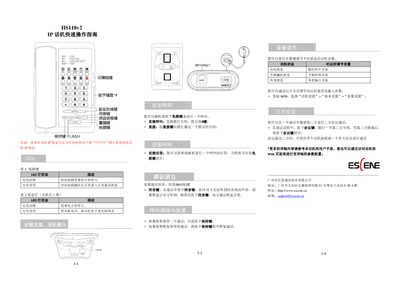
This guide provides basic operation steps for the HS118v2 IP phone. It shows how to query the device's IP address, interpret LED status lights, mount the phone on a bracket, and make or answer calls using the handset or speaker button.
Additional sections cover muting a call, holding and resuming calls, adjusting volume for different phone states, and setting up three‑way or multiparty conferences. For more detailed configuration, users are directed to the full user manual or the web management interface. This manual is written in Chinese.
Press *1*1*1 (or *1*1*2) while the phone is idle to display the IP address.
Press the MUTE button to mute; press it again to resume the conversation.
Pick up the handset or press the headset/speaker button, dial the number, then press the # key.