
This quick start guide explains how to set up and operate the Escene ES270-PC desktop IP phone, covering hardware connections, network configuration, SIP…
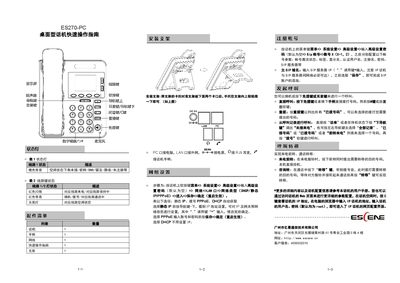
The guide begins with hardware installation, showing how to attach the bracket, connect the handset, headset, PC port, LAN port, power adapter and RJ9 ear‑phone. It then walks through network configuration, where you select the LAN port type (DHCP, Static IP, or PPPoE) and enter the required IP, gateway and DNS information.
Next, the document details SIP account configuration, including enabling the account, entering authentication credentials and the SIP server address. Finally, it describes basic call operations such as dialing, redial, call history navigation, call transfer, and how to use the status‑light indicators for call status. This manual is written in Chinese.
| Supported network types | DHCP, Static IP, PPPoE |
|---|