
Key facts
- Manuals
- 2
- Languages
- ZH
- Last added
- 2026-10-01
Featured Escene manuals
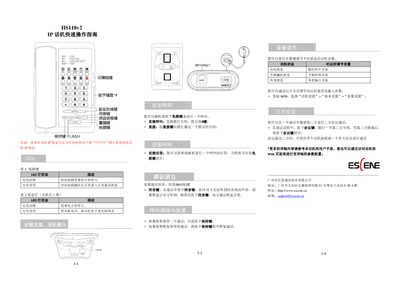
Escene HS118v2 IP Phone Quick Start Guide
This guide provides basic operation steps for the HS118v2 IP phone. It shows how to query the device's IP address, interpret LED status lights, mount the phone on a bracket, and make or answer calls using the handset or speaker button.
Additional sections cover muting a call, holding and resuming calls, adjusting volume for different phone states, and setting up three‑way or multiparty conferences. For more detailed configuration, users are directed to the full user manual or the web management interface. This manual is written in Chinese.
Covers: LED Indicators · Mounting Bracket Installation · Placing a Call · Answering a Call · Call Hold and Resume · Volume Adjustment
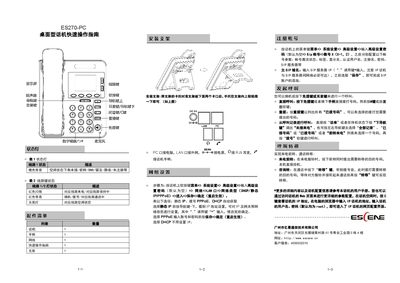
Escene ES270-PC Desktop Phone Quick Start Guide
The guide begins with hardware installation, showing how to attach the bracket, connect the handset, headset, PC port, LAN port, power adapter and RJ9 ear‑phone. It then walks through network configuration, where you select the LAN port type (DHCP, Static IP, or PPPoE) and enter the required IP, gateway and DNS information.
Next, the document details SIP account configuration, including enabling the account, entering authentication credentials and the SIP server address. Finally, it describes basic call operations such as dialing, redial, call history navigation, call transfer, and how to use the status‑light indicators for call status. This manual is written in Chinese.
Covers: Hardware Installation · Status Light Indicators · Network Settings · SIP Account Configuration · Calling Operations · Web Configuration
Latest Escene manuals
Escene HS118v2 IP Phone Quick Start Guide
Quick Start Guide 2 pages · 305 KB · ZHThe Escene HS118v2 IP Phone Quick Start Guide explains IP address check, LED indicators, call handling, volume control, mute, hold, and three‑way conference.
Escene ES270-PC Desktop Phone Quick Start Guide
Quick Start Guide 2 pages · 1.6 MB · ZHThis quick start guide explains how to set up and operate the Escene ES270-PC desktop IP phone, covering hardware connections, network configuration, SIP…
Which document do I need?
Quick Start Guide
The shortest path to a working setup, usually only a few pages.
Questions answered in Escene manuals
How can I check the IP address of the HS118v2 IP phone?
Press *1*1*1 (or *1*1*2) while the phone is idle to display the IP address.
How do I mute and unmute a call?
Press the MUTE button to mute; press it again to resume the conversation.