
This manual guides you on how to use Canon PIXMA E468 inkjet multifunction printer.
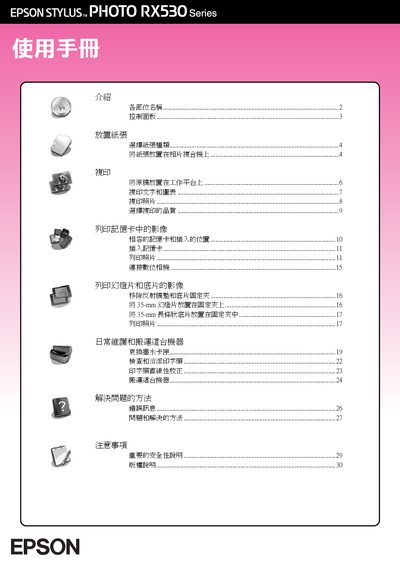
This manual covers the basic operation of the Epson Stylus Photo RX530 series photo printer/copier. It explains how to load different paper types, select the appropriate settings on the LCD control panel, and perform copying, printing, and slide/negative processing.
Safety warnings, ink‑cartridge replacement, and a troubleshooting guide are also included to help users maintain reliable performance and resolve common errors such as paper jams or low‑ink warnings. This manual is written in Chinese.
Select the “更换墨水卡匣” option, open the ink‑cartridge cover, remove the empty cartridge, insert a new one, and confirm the replacement on the LCD panel.
Select the copy mode, set the “100%” option on the LCD panel, choose the number of copies, and press the start key.