
The Epson TM-C3400 printer user manual provides setup, safety, operation, and maintenance instructions.
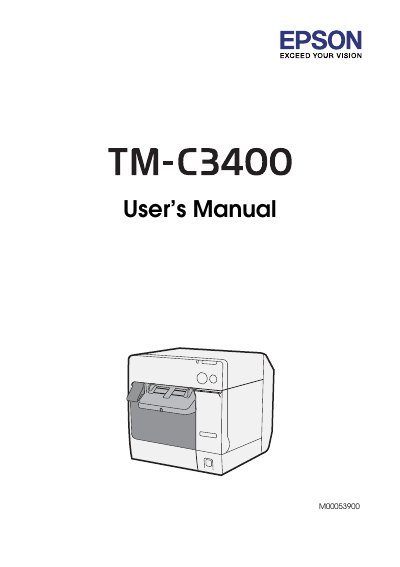
This manual covers safety precautions, unpacking, part identification, and step‑by‑step setup for the Epson TM‑C3400 receipt printer. It explains how to install the printer, connect power and data cables, load paper and ink, and configure driver software.
Additional sections describe routine maintenance such as head cleaning and autocutter care, troubleshooting tips, detailed technical specifications, and environmental requirements for reliable operation.
| Printing method | Serial ink jet, dot matrix |
|---|---|
| Print density | 360 dpi × 180 dpi, 360 dpi × 360 dpi, 720 dpi × 360 dpi |
| Print speed | 92 mm/s (56 mm width), 82 mm/s (72 mm width) |
| Ink cartridge model | SJIC15P |
| Interface | USB 2.0 High‑speed, Ethernet 100 Base‑TX/10 Base‑T |
| Power adapter model | M159B |
| Operating temperature | 10 °C to 35 °C |
| Dimensions (H × W × D) | 261 mm × 255 mm × 275 mm |
Follow the safety precautions, install the printer on a stable, flat surface, use the specified Epson M159B AC adapter, and connect cables as described before powering on.
Turn off the printer, unplug the AC cable, open the roll paper cover, remove the paper, and clean the fixed blade with a cotton swab, optionally moistened with alcohol.
The printer can print UPC‑A, UPC‑E, JAN‑8 (EAN‑8), JAN‑13 (EAN‑13), Code 39, ITF, Codabar, Code 93, Code 128, GS1‑128 and several 2‑dimensional symbols such as QR Code and DataMatrix.