
Operating instructions for the Elesa UC-RF-W2 control unit, covering safety, installation, PLC connections via Ethernet/IP, Profinet, Modbus/TCP, and…
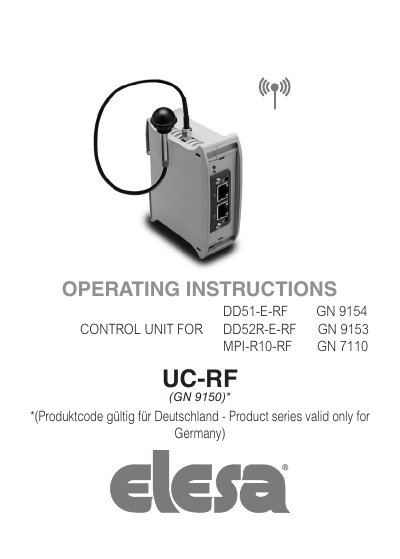
This document provides operating instructions for the Elesa UC-RF-W2 control unit, designed for PLC connection and data transmission via radio frequency. It details compatibility with remote devices (DD51-E-RF, DD52R-E-RF, MPI-R10-RF) and supports industrial bus interfaces including Ethernet/IP, Profinet, Modbus/TCP, and EtherCAT.
The manual covers safety instructions, physical connections (power supply, antenna, PLC interface), and the configuration of the Elesa wireless network. It explains how to associate remote devices, manage network parameters, and interpret status LEDs for various communication protocols.
| RF Frequency Range | 2400-2416 MHz |
|---|---|
| Max Remote Devices per Subnetwork | 36 |
| Default IP Address | 192.168.1.10 |
| Default Subnet Mask | 255.255.255.0 |
| Default Gateway | 198.168.1.1 |
| Max Radio Range (Line of Sight) | 30m |
The UC-RF communicates with the DD51-E-RF, DD52R-E-RF, and MPI-R10-RF device families.
The unit supports Ethernet/IP, Profinet, Modbus/TCP, and EtherCAT.
RG 174/U coaxial cable fitted with SMA male/female connectors must be used.
Yes, network parameters can be changed using the IPConfig utility downloadable from the Elesa website.