
User guide for ELCO PD-1809BT Bluetooth speaker with operation, settings, safety, and troubleshooting.
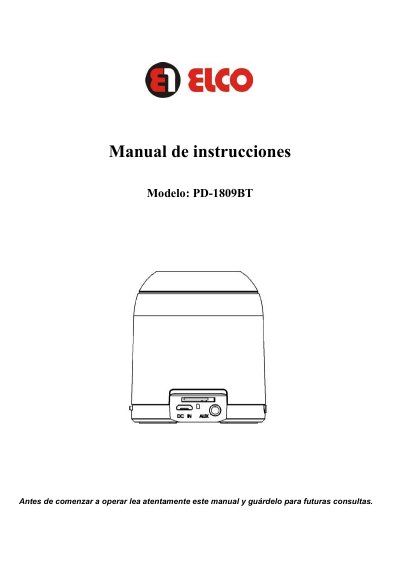
This manual explains how to operate the ELCO PD-1809BT Bluetooth speaker, including mode switching, volume control, and Bluetooth pairing. It also covers safety precautions, battery charging, and troubleshooting common issues like connection failures or distorted sound.
The speaker supports multiple playback modes: TF card, AUX, FM radio, and Bluetooth. It includes a 3.5mm AUX cable, USB cable, and micro SD card support. The device uses a built-in lithium battery and has a Bluetooth 2.1 connection with a maximum range of 10 meters. This manual is written in Spanish.
| Model | PD-1809BT |
|---|---|
| Bluetooth Version | Bluetooth 2.1 |
| Transmission Distance | ≤10M |
| Impedance | 4Ω |
| Frequency Response | 90Hz -20KHz |
| Sensitivity | 80db±2db |
| Signal-to-Noise Ratio | ≥76dB |
| Power | 3W×1 |
| Battery Type | Lithium |
| Dimensions | φ60×70 MM |
Turn on Bluetooth on your phone, search for the speaker, and connect. When successfully paired, the speaker will beep.
Connect the speaker to a computer via USB. A red light will indicate charging; it turns off when fully charged.
The maximum Bluetooth range is 10 meters, but it may vary depending on the environment and battery level.