
User manual for the EL801 series smart voltage and current meter, covering operation, wiring, technical parameters, and Modbus RTU communication.
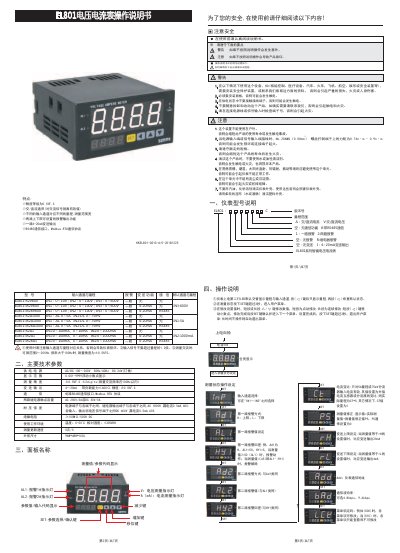
This document is the user manual for the EL801 series smart voltage and current meter. It covers model selection, technical parameters, panel names, operation, wiring diagrams, dimensions, and Modbus RTU communication.
It also describes power-on self-check, measurement state settings, alarm and transmitter configuration, parameter tables, and safety precautions for installation and use. This manual is written in Chinese.
| Power supply | AC/DC 100-240 V, 50/60 Hz; DC 24 V (custom) |
|---|---|
| Display range | 0.001-9999 with floating decimal point |
| Measurement accuracy | ±0.5% F.S. ±2 digits (AC frequency within 100 Hz) |
| Transmitter output | 4-20 mA, load ≤600 Ω, accuracy ±0.5% F.S. |
| Relay contact capacity | AC 250 V/3 A or DC 30 V/5 A |
| Dielectric strength | AC 1800 V between power/relay terminals and all terminals; DC 600 V between weak signal terminals |
| Dimensions | 96 W x 48 H x 100 L mm |
| Communication | Standard RS485, Modbus RTU |
| Insulation resistance | ≥100 MΩ/500 V DC |
| Operating environment | Temperature 0-50 °C, relative humidity ≤85% RH |
It uses standard RS485 communication with the Modbus RTU protocol.
Measurement accuracy is ±0.5% F.S. ±2 digits for AC frequencies within 100 Hz.
Operating temperature is 0-50 °C and relative humidity is ≤85% RH.
In measurement state, press the SET key for more than 3 seconds.