
Installation guide for the Dyna-Form Air SureR alternating mattress system, covering mattress setup, control unit activation, and specifications.
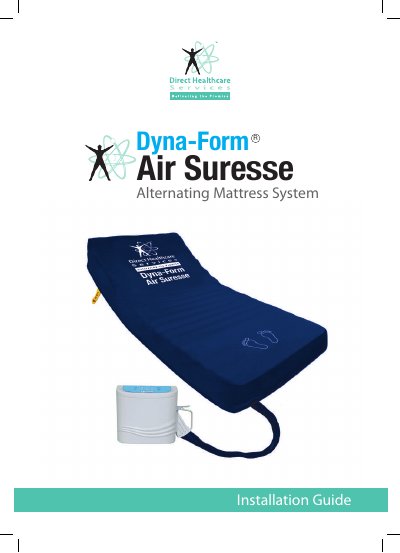
The Dyna-Form Air SureR alternating mattress system installation guide describes initial setup for a standard or profiling bed. It covers removing bedding, placing and securing the mattress, positioning the control unit, connecting the handle and power cord, and activating the system.
The guide states the system is ready for use in 30 minutes and defaults to Alternating Mode at start-up. It includes technical specifications such as supply voltage, cell count, dimensions, weight limits, materials, classification, warranty, and company contact information.
| Control System | Digital microcontroller |
|---|---|
| Cycle Time | 10/15 minutes |
| Supply Voltage | 220~240 VAC, 50 Hz, 0.2 A for Control Unit |
| Power Rating | 12 VA |
| Number of Cells | 19 cells, including 3 static head cells and 16 alternating cells |
| Maximum Patient Weight | 286 kgs / 45ST |
| Mattress Length | 2020 mm ±20 mm |
| Replacement Width | 885 mm ±10 mm |
| Mattress Weight | 11.6 kgs |
| Control Unit Dimensions | Height 270 mm, width 290 mm, depth 170 mm |
| Cell Material | 210D PA/TPU |
| Cover Material | Biocompatible PU/knitted PES, multi-way stretch (Dartex) |
| Warranty | Control Unit 2 years; Mattress 2 years |
| Altitude | ≤ 2000 m |
The guide states the system will be ready for use in 30 minutes.
Press the power button for at least two seconds to activate the Control Unit; the pressure LEDs flash to indicate activation.
It automatically defaults to Alternating Mode at start-up.
The maximum patient weight is 286 kgs / 45ST.